
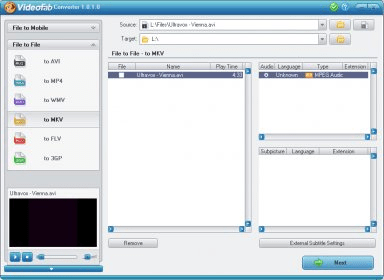
VideoFab Converter is a powerful video converter that supports all the best-known video file formats, and that is clearly oriented to users of mobile players who need fast and high-quality conversions without needing to be video experts. The program converts to and from AVI, 3GP, ASF, FLV, MOV, MPEG, MP4, RMVB, RM, VOB, and more. It can also extract the audio of any video file.
With VideoFab Converter, you can encode all your videos from Internet, your digital camcorders, capture cards, and more, and play them in your iPod, PSP, Zune, Nintendo DS, Xbox 360, PS3, PDA, PVP, or mobile phone. You can also create “generic” video files in AVI, MP4, DivX, XviD, and H.264, to enjoy in other type of devices. If you select the “audio only” option, VideoFab Converter will extract the audio in WAV, MP3, MP4, WMA, AC3, or DTS.
This efficient and versatile tool will rip any of your DVDs (full high-definition video, up to 1080, is supported) so that you can play it in your preferred mobile device, with the soundtrack and the subtitle stream of your choice (external SRT subtitle text files are also supported). VideoFab Converter will automatically crop the image for you, eliminating black bars from widescreen presentations. If you are not happy with the defaulted settings offered by the program, you can always customize your conversion settings, including the possibility of choosing letterbox or pan & scan for your output files.





Comments